
Content briefs
PromptScout Content briefs are not generic AI writing prompts. They are opportunity-scoped page decisions created when monitored prompts, citation patterns, competitor framing, source evidence, and website gaps point to a specific page to build or improve.
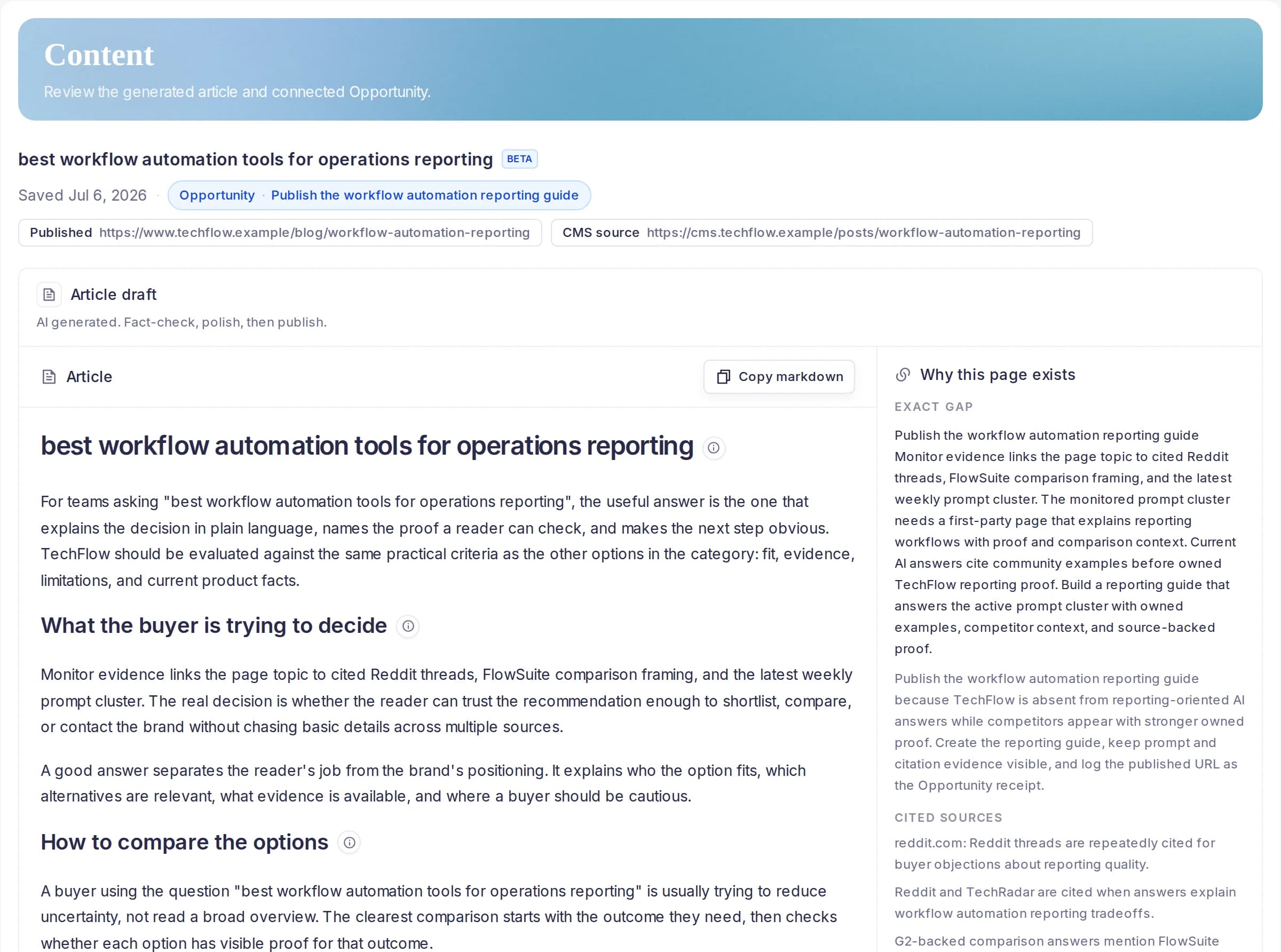
Start from an Opportunity, not a blank prompt
The buyer job is deciding which page to create or improve next. PromptScout routes content and comparison Opportunities into Content so the brief is tied to a source Opportunity, brand, monitor run, website audit context, and current evidence window.
- Select a content or comparison Opportunity as the source
- Use the saved Opportunity title, why-now copy, work, and evidence
- Generate only after an explicit click instead of spending on page load
Citation hints make the brief retrieval-aware
A Content brief explains why the page exists and how sections may help answer-engine retrieval or citation. Citation hints reference the article structure, source influence, competitor context, prompt cluster, and owned-page duplicate context without inventing quotes, metrics, or competitors.
- Map prompt demand and website coverage gaps to a concrete target asset
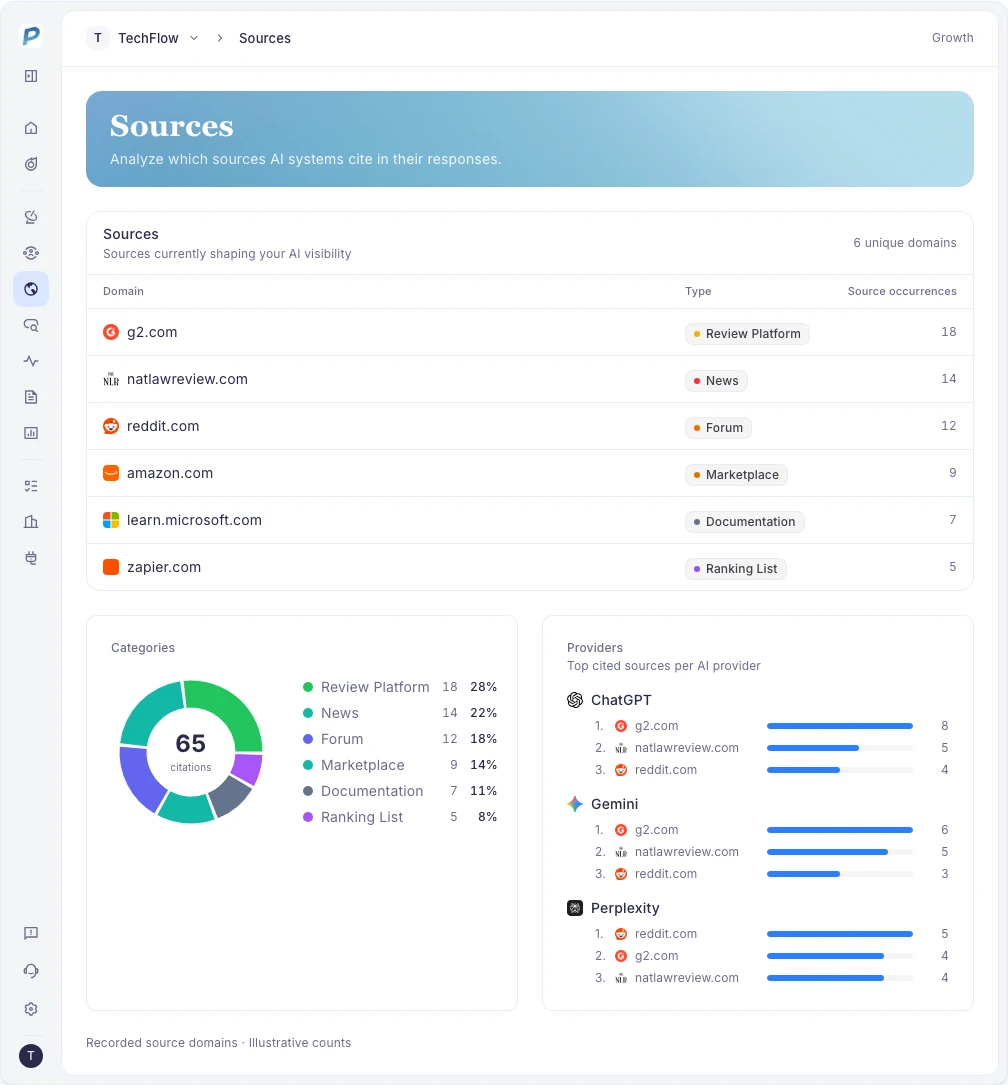
- Use source influence to explain current cited sources and competitor framing
- Attach citation hints beside sections that support AEO or GEO retrieval
One saved brief per source Opportunity
PromptScout keeps the artifact auditable by saving one generated brief for the selected source Opportunity. Reloading the Content route reopens that saved brief instead of producing conflicting versions from the same evidence.
- The saved brief links back to its source Opportunity and monitor-run window
- The generated article package includes article markdown, agent prompt, citation hints, evidence map, and measurement plan
- Opportunity completion remains separate until the user logs a receipt such as a reviewed brief note, published URL, or final content path
Frequently asked questions
Are Content briefs generic AI articles?
No. They are generated from a selected content or comparison Opportunity and the current PromptScout evidence window, with conservative grounding rules and citation hints.
Can PromptScout generate multiple briefs for the same Opportunity?
The current product contract saves one brief per source Opportunity. Reopening the same Opportunity should reopen the saved brief instead of spending again.
Related Features
Opportunities
Turn PromptScout evidence into Opportunities with Why now, Work, Evidence, Watch, completion receipts, and non-causal watch windows.
Explore OpportunitiesAI Visibility Changes
Review prompts, competitors, citations, sources, and provider-level answer movement that changed across PromptScout monitor runs.
Explore AI Visibility ChangesMorning brief
Use Morning brief to scan AI Visibility Changes, Opportunities, Traffic context, prompts, competitors, and citations that need attention today.
Explore Morning brief