
Start your AI visibility check with your website
Enter your website, review the questions buyers might ask, and save your first three ChatGPT answers in a private report.
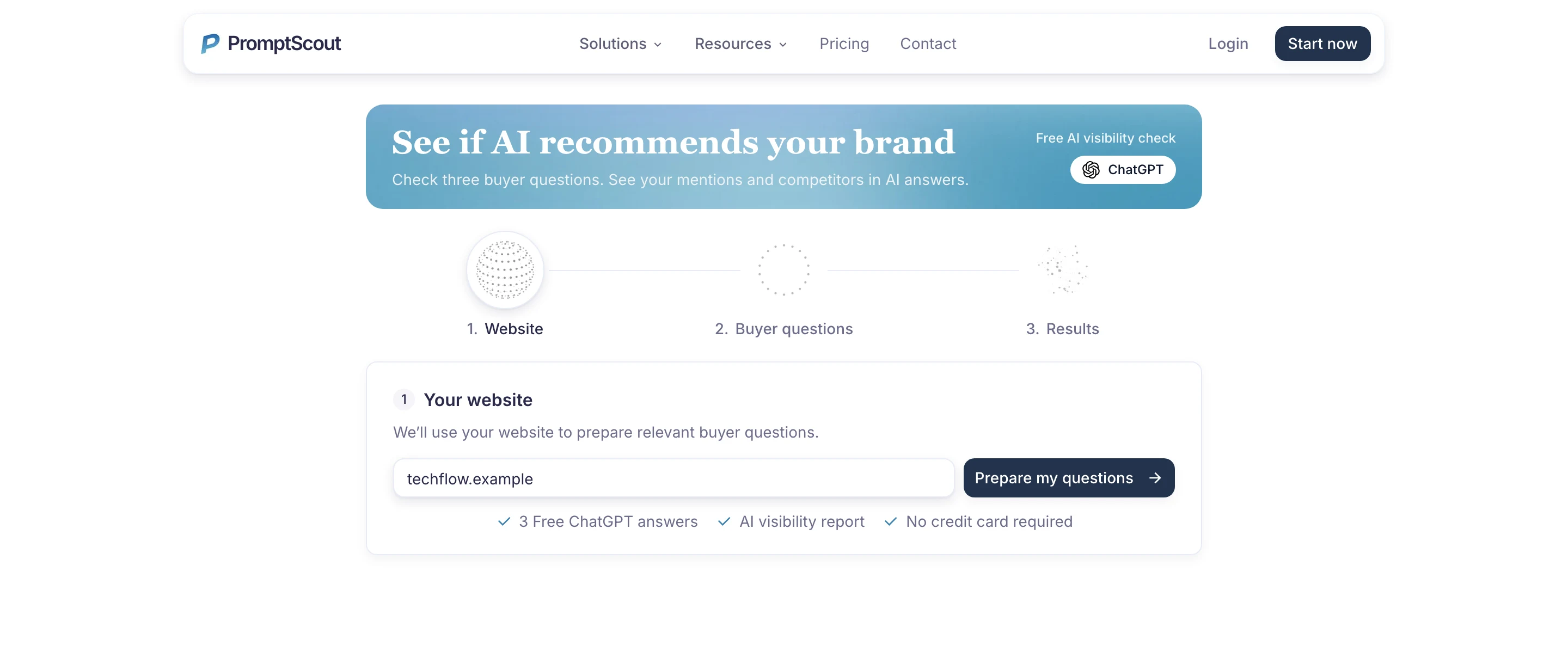
What changed
- Start with a website address instead of writing a prompt list from scratch.
- Review three buyer questions before creating an account; the free check runs only when you choose to start it.
- Return to the three ChatGPT answers and their evidence in a private report in Today.
See the questions first
The new Get Started flow begins with your website. PromptScout uses it to prepare three questions a buyer could ask about your category and options. You can read those questions before signing up, so you know what the check will cover.
The screen moves through Website, Buyer questions, and Results. Each step tells you what happens next, and the free check stands on its own.
Run the check when you are ready
After creating an account, you choose when to run the free check. PromptScout collects three ChatGPT answers and saves the results in a private AI visibility report. Open an answer to read how it describes your brand, which competitors it names, and any sources available with that answer. A mention, a source, and a recommendation are different things; the answer text is there for you to inspect.
Keep the report as your starting point
Your report appears in Today after the check, so the first visit is not a one-time screen you have to remember. Use it to decide which buyer questions deserve regular monitoring and which descriptions or competitor mentions need a closer look.