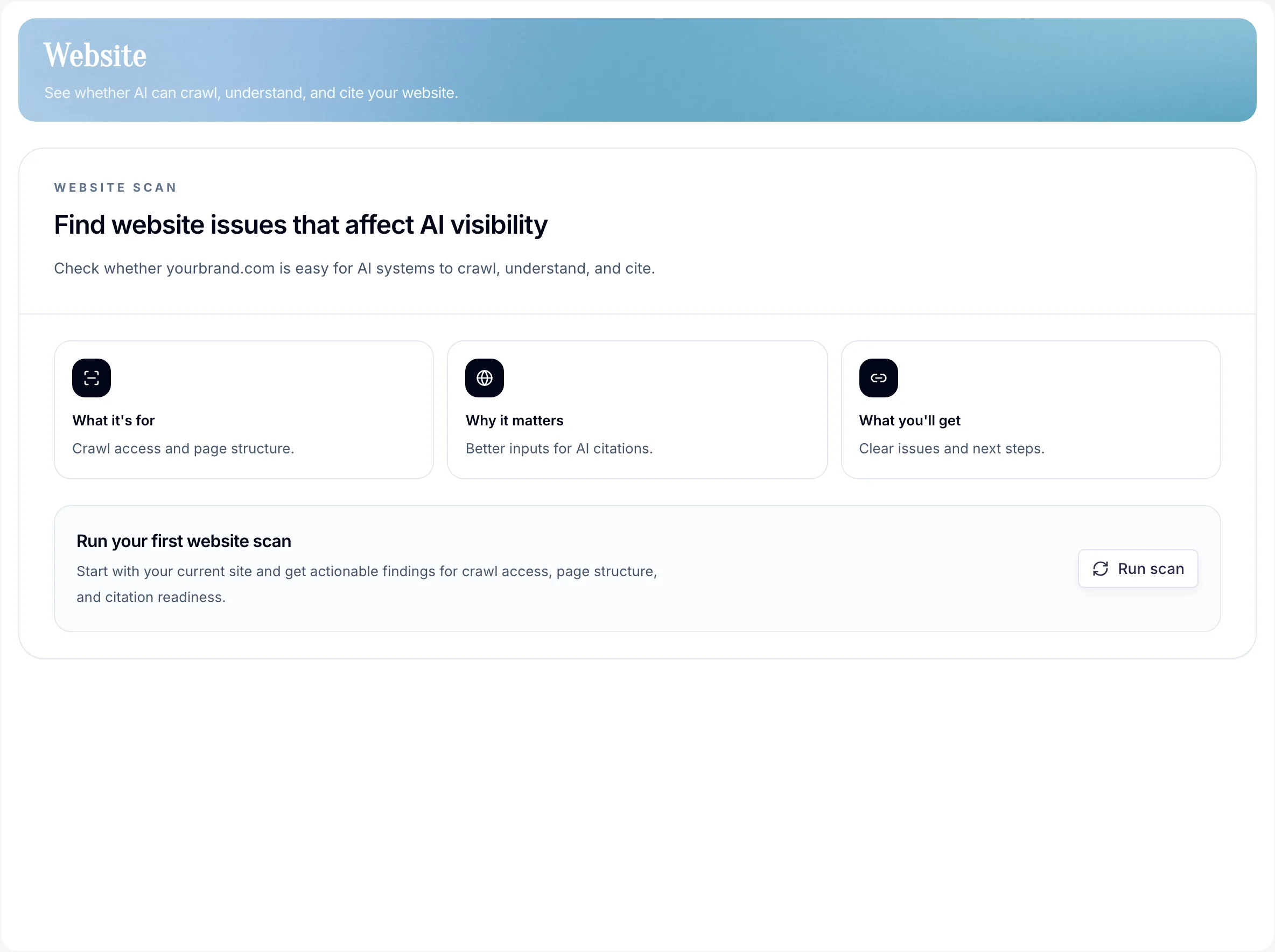
What the Website page checks
Whether your site is reachable, parse-able, and cite-able for AI systems. Think of it as an evidence-first crawlability check for AI search before you judge Monitoring or Sources.
What it tests
- Domain reachable
- Pages discovered
robots.txtandsitemap.xmlstatus- Metadata and machine-readable signals
- Pass/fail checks per page
- Prompt-aware coverage evidence where monitored prompts and owned pages line up
When to run a scan
- After any meaningful site change — redesign, migration, CMS update.
- When monitoring results look weak or inconsistent.
- Before assuming a visibility problem is a content problem.
How reruns work
Website audits are deterministic: a rerun records what PromptScout can fetch and evaluate at that moment. It does not guess why a model cited or ignored a page.
- Free teams keep the onboarding bootstrap audit as their Website state.
- Paid teams can run dashboard full-site audits under the current daily limit.
- Focused page audits have their own per-page daily limit and do not replace the latest full-site state.
- Older runs stay available as evidence, so fixes can be compared against later scans.
How to use the results
- Fix foundational blockers first — reachability, wrong domain, crawlability, and indexability.
- Then check whether crawlable pages are also cited pages in Sources.
- Re-run Website after fixes, then re-run Monitoring to see if visibility moves.
This sequence stops you from optimizing pages AI still can't reach and helps the rest of your workflow stay grounded in real site conditions.
Supported controls and optional files
robots.txt— keep the search crawlers you want eligible from being blocked.Googlebot, notGoogle-Extended, controls Google Search and AI Overviews eligibility.OAI-SearchBotcontrols ChatGPT search crawl access;GPTBotis a training control and does not by itself indicate search discoverability.sitemap.xml— fresh and complete.- Visible page content, metadata, and schema — keep the content users see consistent with structured data and make important pages internally discoverable.
llms.txt— an optional experimental convention with varying provider support. Google Search ignores it, so PromptScout does not score it or recommend it as an AI visibility action. PromptScout publishes its own maintained file only as a convenience summary.
For implementation guidance, review Google's AI search guidance, Google's AI features guidance, and OpenAI's publisher guidance for OAI-SearchBot and noindex.
Next steps
- Check citation coverage in Sources.
- Re-run Monitoring after fixes.
- Use Content when Website gaps and Insights point at the same page opportunity.