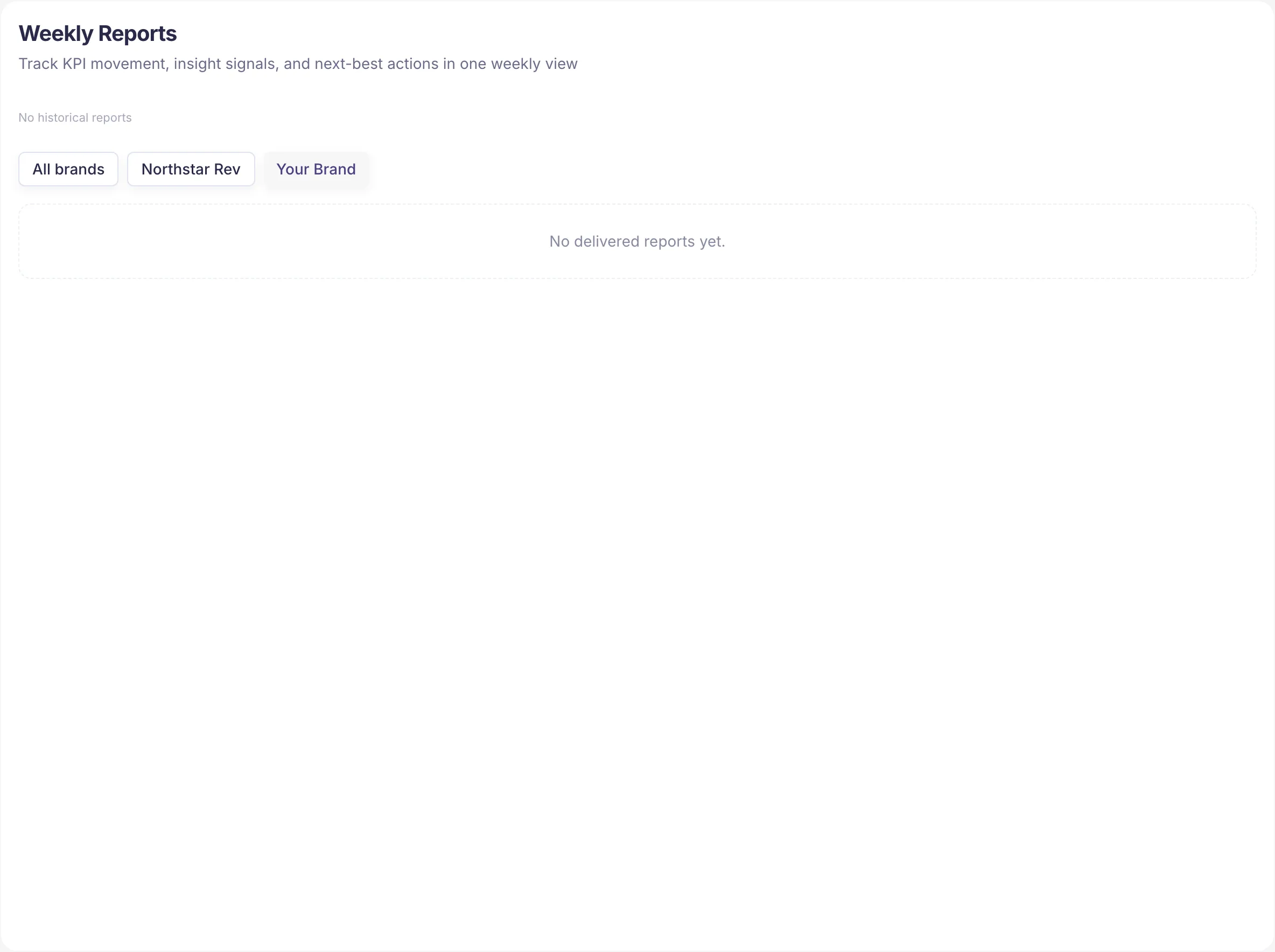
What Reports does
Turns raw monitoring data into a weekly summary you can actually share — with founders, clients, or marketing leaders who care about movement, not raw events from Monitoring, Competitors, and Sources.
What's on the page
- Weekly report selection
- KPI movement for the chosen window
- Noteworthy insight signals
- Suggested next actions
How to use it
- Open the latest week.
- Compare it to the prior week.
- Match movement to the actions you took in the same period.
- Decide the next bet.
Best practice
Keep the weekly narrative consistent:
- What changed?
- Why (probably)?
- What's next?
Drill into Monitoring, Competitors, or Sources only when the report raises questions.
Tip
Reports work best when they close the loop: action → re-run → measured impact. That's how you prove the work, not just track visibility. Use Insights for the next action and Website when technical fixes are part of the story.
When a completed Opportunity has a watch window, use Reports to describe observed movement carefully: what changed during the window, what stayed flat, and which evidence deserves the next action. Avoid saying the Opportunity caused the movement unless the evidence is strong enough to support that claim.
Next steps
- Turn report findings into work in Insights.
- Review the full weekly loop in Weekly workflow.
- Drill into Monitoring when numbers raise questions.
- Share the Reports feature page with stakeholders.