Start with a monitor
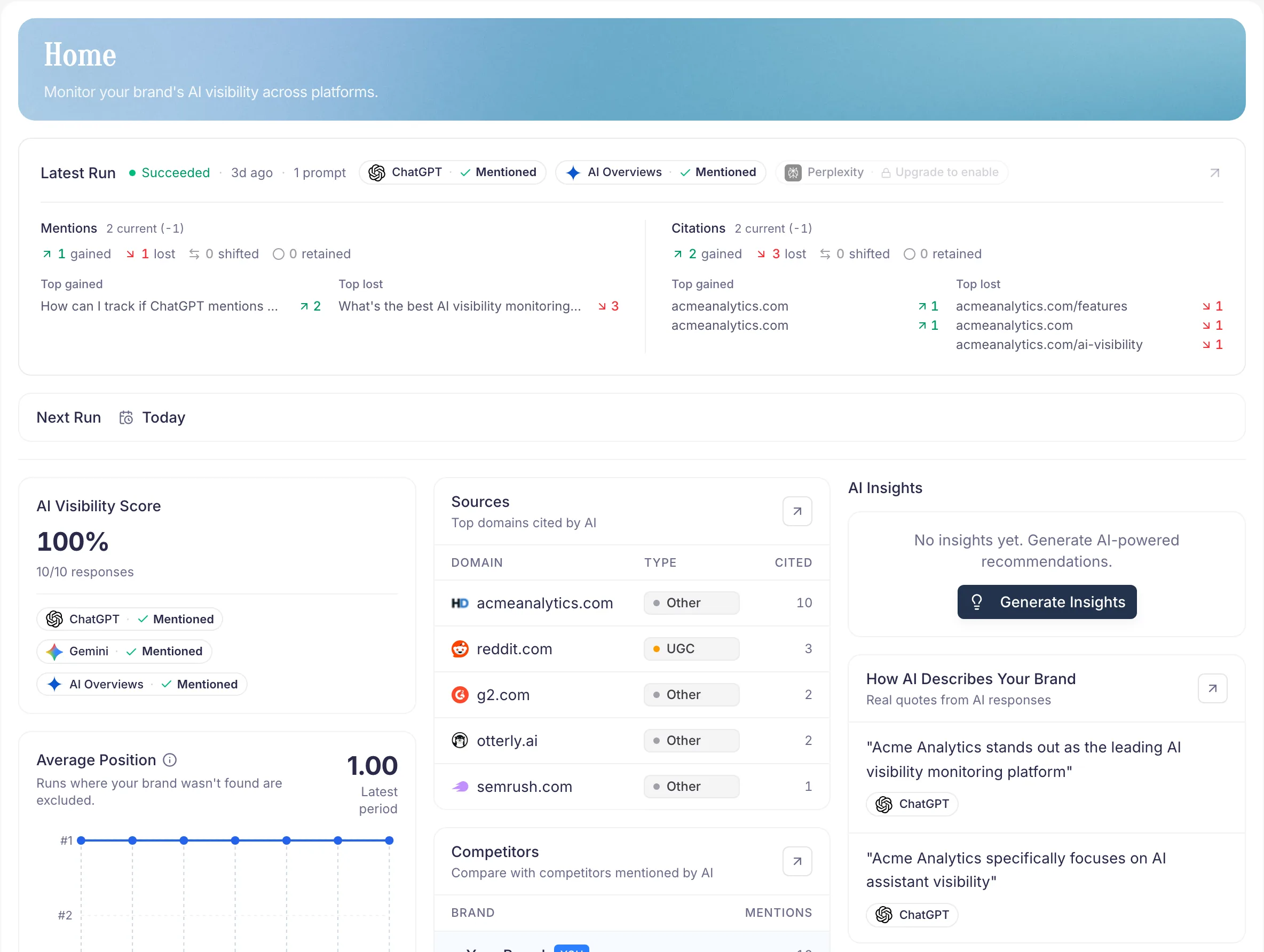
Configure your brand and the questions you want to track. PromptScout collects answers from your selected AI providers and extracts brand mentions, competitors, and source URLs.
Open Today for the latest summary. Use Monitoring to inspect completed runs and the original answers.
Read the results
- Brand mentions: check whether your brand appears and read the surrounding text.
- Competitors: compare mentions, rankings, and share of voice in your collected answers.
- Sources: inspect URLs, source categories, and provider context.
- Positioning attributes: review the qualities and phrases AI assigns to brands in the generated analysis.
- Reports: compare results across reporting windows.
A mention records a brand name in an answer. A displayed citation records a link. Read both in context before interpreting a recommendation.
Choose the next action
Starter includes recurring monitoring and the analysis above. Use Website to review your own pages for crawl and content issues.
Growth and higher add Opportunities and Content Briefs. Review the evidence attached to an Opportunity, complete the work, and record what changed. Compare later monitoring results after the watch window.
Traffic and Search data provide additional context on eligible plans. Visits, crawler requests, search clicks, and monitored answers measure different events.