Browse documentation
Daily workflowsUpdated April 24, 2026

How to use generated evidence after monitoring

Use PromptScout's active Competitors, Sources, and Content surfaces to turn generated evidence into focused follow-up work.

Related product page

AI-Powered Visibility Insights

Get AI-powered recommendations to improve brand visibility across ChatGPT, Gemini, AI Overviews, and Perplexity with actions grounded in monitoring data.

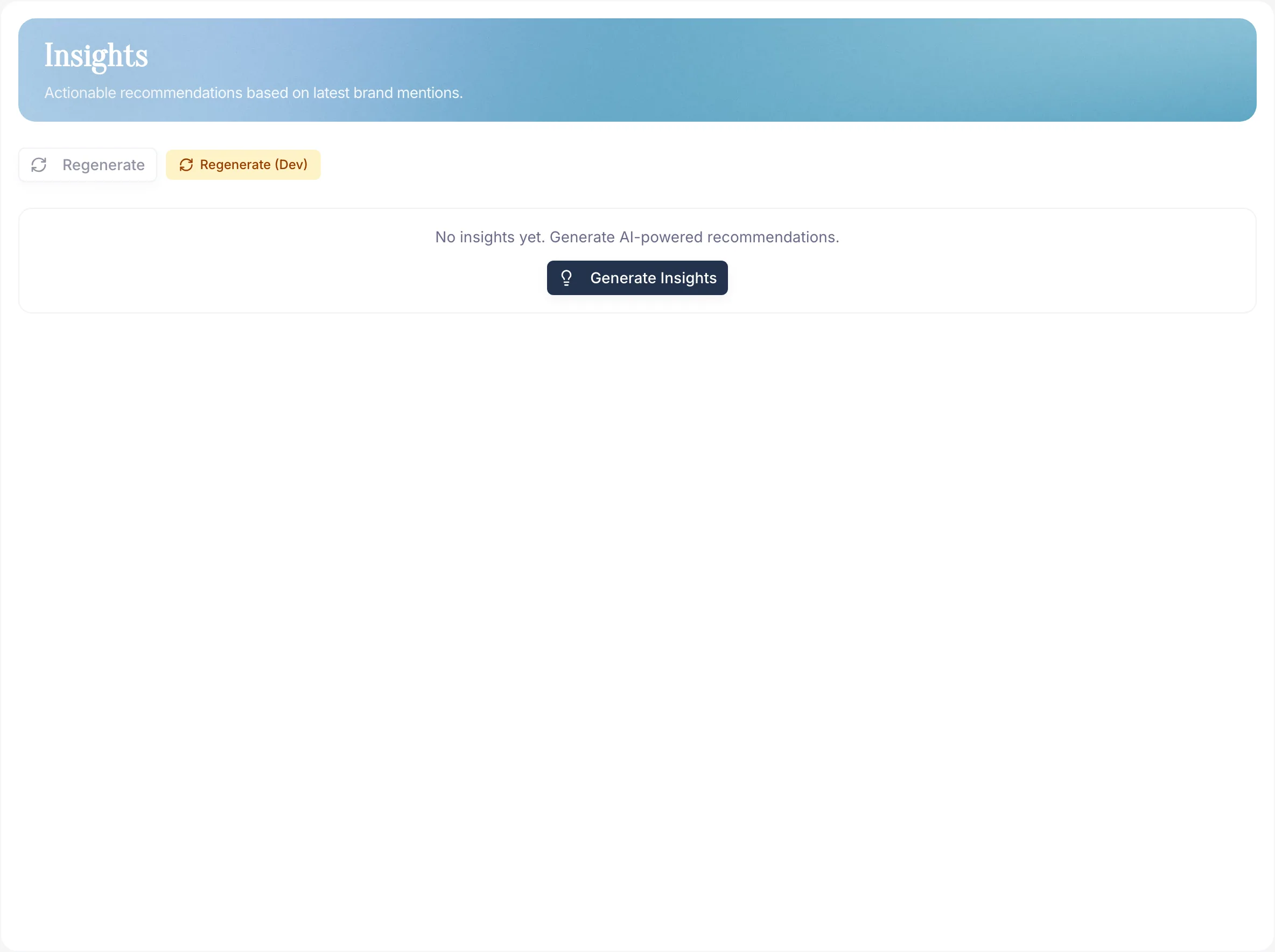
PromptScout dashboard surfaces with generated evidence and opportunity signals

What Insights does

Insights is the generated evidence layer behind several PromptScout workflows. It still helps summarize monitoring patterns, opportunity signals, and positioning evidence, but it is no longer a standalone dashboard destination.

After checking Monitoring, use the active Competitors, Sources, and Content surfaces to decide what deserves follow-up.

Where to find the evidence

  • Competitors shows grounded opportunity signals and share-of-voice context.
  • Sources shows citation patterns, source categories, providers, and supporting evidence.
  • Content can turn aligned monitor, website, and generated evidence into a saved brief when prerequisites are met.

How to use it

  1. Review the latest run in Monitoring first.
  2. Open Competitors to inspect competitive gaps and opportunities.
  3. Open Sources to verify which citations and source types support the pattern.
  4. Use Content when the evidence supports a brief for owned content.
  5. Pick one or two findings and turn each into a concrete work item — content, website, PR, or positioning.

Positioning is evidence

Positioning is generated evidence, not a branded dashboard destination. It shows recurring labels, market roles, and gaps AI assigns to your brand versus competitors. Treat it as framing evidence that helps explain how AI describes the market. It is not a separate source audit, a sentiment dashboard, or proof of why one competitor won a prompt.

When positioning, Website, and source evidence point at the same missing page type, Content may turn that evidence into a saved brief.

Best practice

Treat insights like experiments:

  • One insight → one change → one re-run.
  • Confirm, reject, or refine with the next run.

Don't try to act on ten recommendations at once. The best loop is small: pick one action, confirm it in Monitoring, then document the result in Reports.

Next steps

Related docs and next steps

Put this into practice

Use this workflow in PromptScout

Keep reading the docs, then run the workflow on your own brand data when you are ready.

Getting started guide

Move from setup to your first AI Visibility Check quickly.

PromptScout blog

Go deeper with practical AEO, GEO, and AI visibility playbooks.

Continue learning

  • Monitoring

    Documentation

    Use the Monitoring page to run monitors, inspect recent runs, and compare how your AI visibility changes across providers over time.

  • Content

    Documentation

    Use the Content page to turn aligned prompt, website, insight, and source evidence into one saved brief for a concrete page decision.

  • Reports

    Documentation

    Use the Reports page to review KPI movement, recurring signals, and week-over-week changes without rebuilding a summary from raw runs.

  • Sources

    Documentation

    Use the Sources page to see which websites, documents, and communities AI systems cite when they recommend brands in your category.

  • AI Brand Monitoring Platform

    Guide

    Track how ChatGPT, Gemini, Google AI Overviews, and Perplexity mention your brand over time.

  • How to Choose an AEO Platform

    Guide

    Review practical AEO platform criteria for AI visibility monitoring, evidence, and reporting.