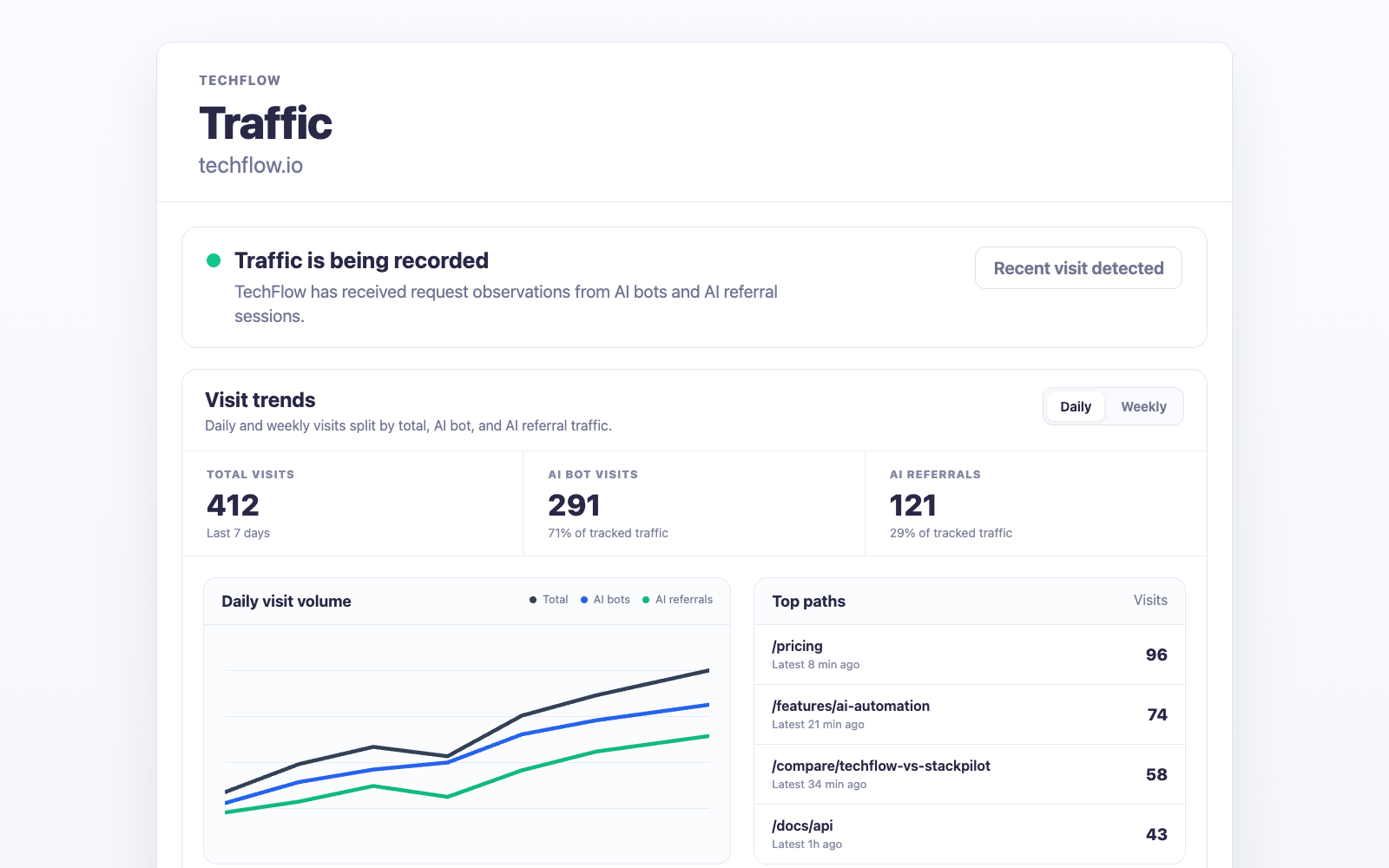
What Traffic measures
Traffic sorts request-level observations from your site into three buckets. Each one answers a different question, and each one has a limit worth knowing before you quote it to anyone.
- AI referral visits. A browser visit that arrived with a supported referrer or safe landing-URL attribution. It tells you somebody came from an AI product. It does not tell you which answer, prompt, or conversation sent them, and no amount of the underlying data would.
- AI user fetches. A provider user agent such as ChatGPT-User or Perplexity-User pulling a page because a person asked for something inside an AI product. These are requests, not sessions. Counting them as visitors will overstate your audience.
- Crawler events. AI search crawlers, training and bulk crawlers, link previews, and classic search crawlers reaching the site. Machine access is not demand. A page can be crawled daily and still never appear in an answer.
All three come from observations at your own site rather than modelled estimates or sampled analytics. That is why the numbers usually look smaller than people expect, and also why they are worth acting on. Read Traffic beside monitoring, citations, Opportunities, and Search data, never as proof that an AI answer caused a visit.
Choose a provider
Every Traffic number starts with one collector running in front of your website. Open Integrations → Traffic and pick the provider that already sits in your serving path.
| Provider | Use it when | Setup |
|---|---|---|
| Cloudflare | Cloudflare proxies the hostname visitors open | Guided connection, or a Worker you deploy yourself |
| Vercel | A Next.js app on Vercel serves the hostname directly | Add the collector to your Proxy file and deploy |
If both apply, choose Cloudflare. The edge collector sees a request before it reaches your origin, so it catches crawler traffic on pages your app never renders.
One brand collects from one connected website at a time, so switching providers means disconnecting the current one first.
How setup works
- Open your brand dashboard.
- Go to Integrations → Traffic.
- Choose Cloudflare or Vercel.
- Complete the guided connection, or install the collector with the site-scoped token.
- Run the setup check, then wait for real traffic to arrive.
The setup check goes to a dedicated probe endpoint, so it proves the wiring without adding anything to your numbers. Passing it is not the finish line: the integration completes when the first genuine referral visit, user fetch, or crawler event lands. On a quiet site that can take a day.
The full raw token appears once, right after you generate it. Only token metadata is kept afterwards, so copy it before you navigate away.
What Traffic contributes to Opportunities
Traffic is not a separate dashboard you have to remember to open. When PromptScout generates an Opportunity batch, it attaches a bounded traffic basis to the evidence the planner receives: the observation window and total signals, the paths getting the most attention, which AI providers those observations came from, and the referrers behind attributed visits.
That evidence changes which Opportunities you get. A citation gap on a page AI products already fetch is a different priority from the same gap on a page nothing has ever reached, and the planner can now tell those apart. It also means a completion receipt records what the page was actually receiving at the time, so the review two weeks later compares like with like instead of guessing.
With no collector connected, the planner is told so explicitly and plans without traffic evidence rather than filling the gap with assumptions. Connecting a provider is the one change that turns this part of the weekly workflow on.
Availability
Traffic is in beta on Growth and higher plans. Free and Starter users can open the Traffic and Integrations screens and see a locked preview, so the feature is visible before it is paid for.
Getting help
Email support@promptscout.app if you are testing Traffic beta, cannot tell which provider fits your stack, or are running something the two paths above do not cover.
Next steps
- Connect the edge collector with Cloudflare Traffic.
- Connect the app collector with Vercel Traffic.
- Confirm crawler and website readiness in Website.
- Use Traffic in the weekly loop with Weekly workflow.