When to use this path
Use Vercel when your Next.js app serves the hostname directly, with nothing proxying in front of it. If Cloudflare is already the front door, Cloudflare Traffic is the better fit, because the edge collector sees requests your app never gets to run for.
The collector lives in your Proxy file, ahead of your application route. It classifies each matching request, schedules one observation with waitUntil, and lets the response continue without waiting for ingest to finish. Since the code sits in your own repository, you own the deployment outright. There is nothing to authorize and nothing to revoke.
Install the collector
Add the package and pin the exact version:
yarn add @promptscout/live-ai-traffic
Then call the helper from proxy.ts in a Next.js 16 app:
import { trackPromptScoutAiTraffic } from "@promptscout/live-ai-traffic/vercel-middleware";
import { NextResponse, type NextProxy } from "next/server";

export const proxy: NextProxy = (request, event) => {
  trackPromptScoutAiTraffic(request, event, {
    endpoint: process.env.PROMPTSCOUT_LIVE_AI_TRAFFIC_ENDPOINT!,
    ingestToken: process.env.PROMPTSCOUT_LIVE_AI_TRAFFIC_TOKEN!,
    privacy: {
      query: { mode: "omit" },
      ip: { mode: "disabled" },
    },
  });

  return NextResponse.next();
};
Projects still on Middleware keep the same function body in middleware.ts and export middleware instead of proxy.
You do not need crawler or referrer detection rules of your own. Classification runs on the shared PromptScout classifier and event schema, so a ChatGPT-User fetch is labelled the same way here as it is at the Cloudflare edge.
Environment variables
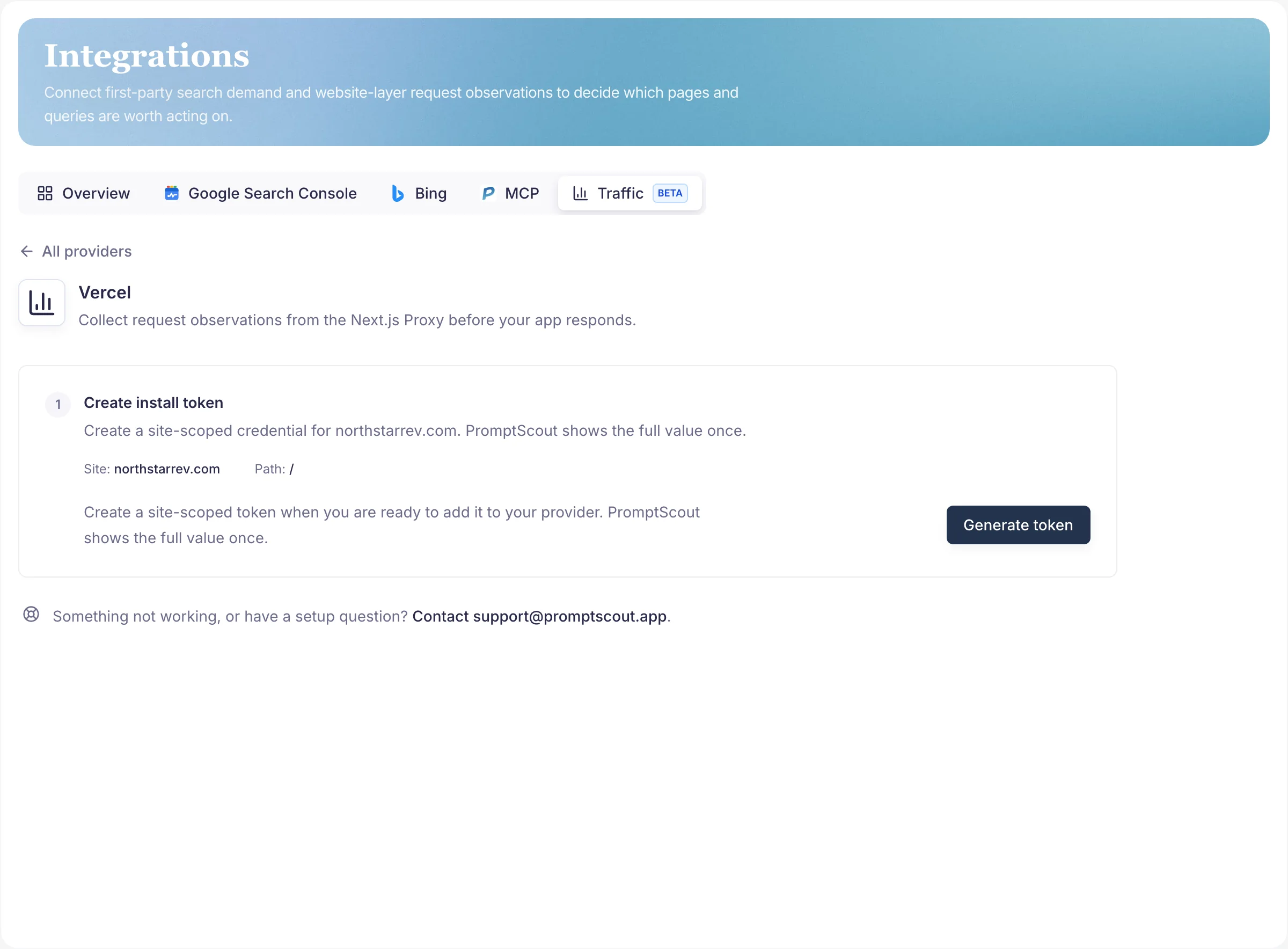
PROMPTSCOUT_LIVE_AI_TRAFFIC_TOKEN: the site-scoped ingest token from Integrations → Traffic → Vercel. Set it as a Vercel environment variable rather than committing it.PROMPTSCOUT_LIVE_AI_TRAFFIC_ENDPOINT: the ingest endpoint shown in the same guide.
The token is scoped to one site, and that is the whole grouping mechanism. Accepted events are attributed to the brand-owned source attached to the token, so adding a brand ID, a team ID, or a team-wide token to your app is unnecessary and will not work. You see the full raw value once, immediately after generating it.
Choose the matcher deliberately
The recommended matcher skips API routes, Next.js internals, image optimization, and common static file extensions:
export const config = {
  matcher: [
    "/((?!api|_next/static|_next/image|favicon.ico|robots.txt|sitemap.xml|.*\\.(?:png|jpg|jpeg|gif|svg|ico|webp|css|js|map|txt|xml)$).*)",
  ],
};
This is a real tradeoff, not a default to skip past. Those exclusions keep ingest volume low, but they also mean a crawler pulling robots.txt or sitemap.xml leaves no trace, and neither does one working through your images. If that access is part of what you want to measure, drop the exclusion on purpose and keep an eye on the volume that follows. An asset-heavy page can produce dozens of non-page observations per visit.
Unknown traffic is skipped by default. Set includeUnknown: true only when you are deliberately calibrating total matched-route volume.
Privacy modes
query: { mode: "omit" }drops raw query strings but still allows closed safe attribution pairs like?utm_source=chatgpt.com. Keep it. That single pair is the only thing that makes UTM-only ChatGPT referrals classifiable, since they arrive with noRefererheader and no AI user agent.ip: { mode: "disabled" }stops IP collection entirely.- Path redaction is available when the URLs themselves carry sensitive values.
Prompt text, tokens, email addresses, URL fragments, unknown query keys, and full raw landing queries are never forwarded, whichever modes you set.
Verify the installation
Deploy first, then run the setup check from the Vercel provider page. PromptScout calls /__promptscout/setup-probe with probe headers, and the collector replies with a setup_probe payload rather than a traffic event, so the check never inflates your numbers.
A passing probe proves the wiring and nothing more. The integration completes when the first real AI referral visit, user fetch, or crawler event arrives, which on a low-traffic site can take a while.
When a probe fails, check three things in this order: the deployment is actually live, the matcher covers the probed path, and both environment variables are set in the deployed environment rather than only in your local .env. The third is the easiest of the three to miss.
Next steps
- Read Traffic for what the three Traffic buckets mean and how they feed
Opportunities. - Use Cloudflare Traffic when Cloudflare proxies the hostname.
- Confirm crawler and website readiness in Website.
- Put Traffic into the weekly loop with Weekly workflow.